How do I generate subtitles automatically?
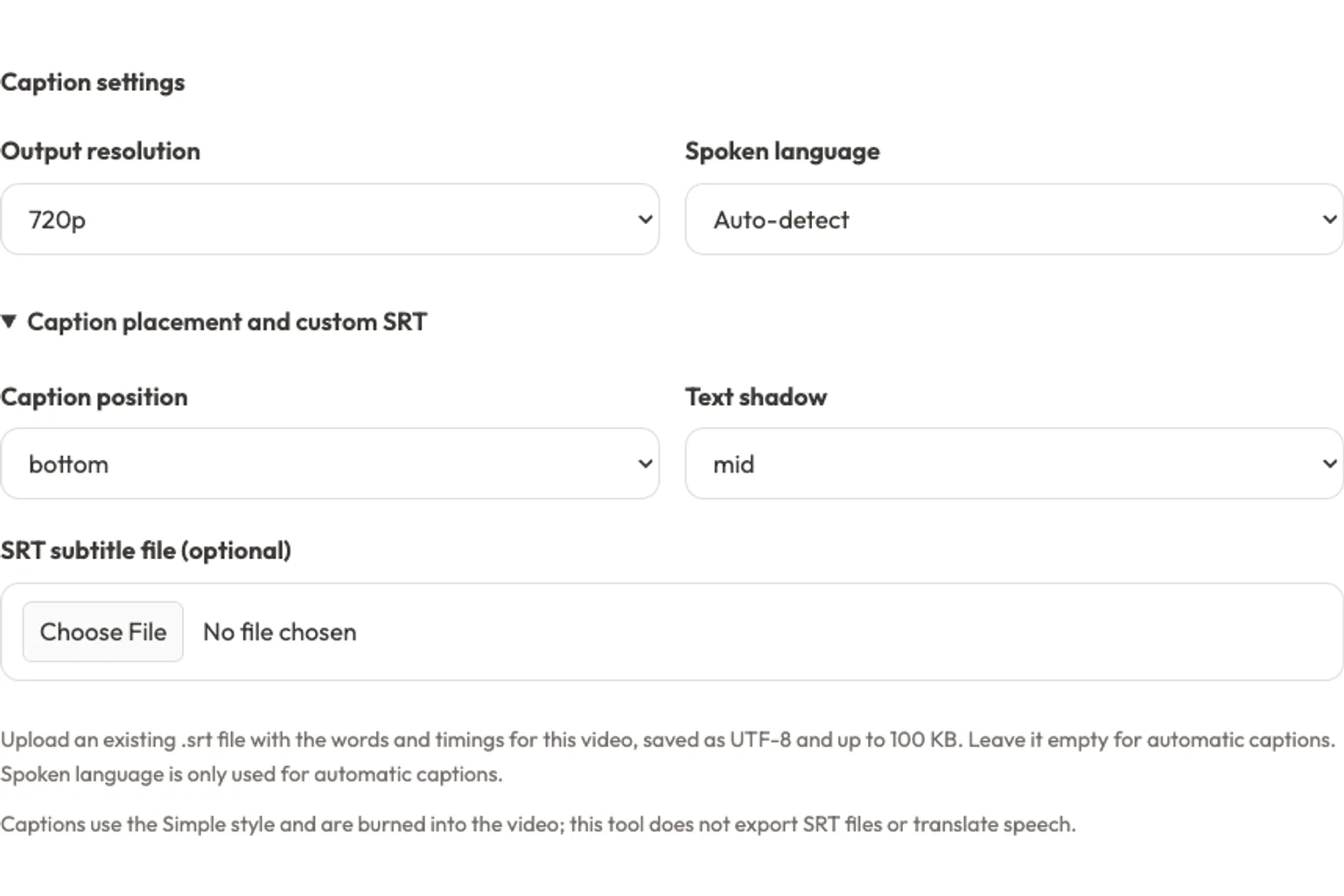
Upload a supported video, leave the optional SRT file unselected, and choose Auto-detect or the spoken language. Select your caption settings, sign in, and generate. Preview the result to check the words and timing before downloading.
Can I use my own SRT subtitles?
Yes. Open Caption placement and custom SRT and choose an existing .srt subtitle file for your video. It must be UTF-8 text, no larger than 100 KB, with numbered captions and valid start/end timestamps. Its words and timings replace automatic transcription. Remove the file to return to automatic captions.
Does this tool translate subtitles or speech?
Automatic captions follow the language spoken in the video. The language selector guides transcription; it is not a translation target. To change the spoken language, first use the AI Video Translator.Translate video speech
Can I download an SRT file?
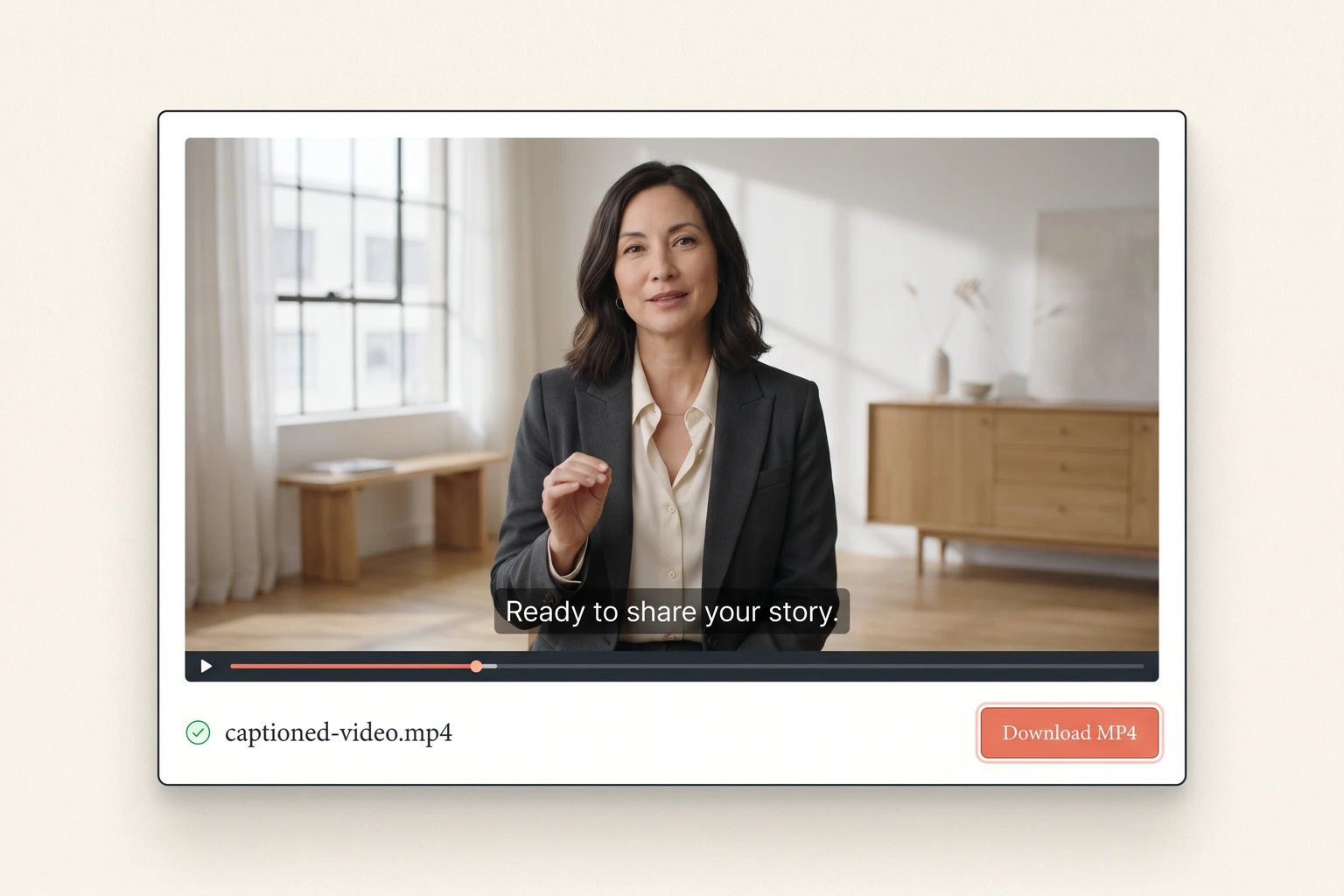
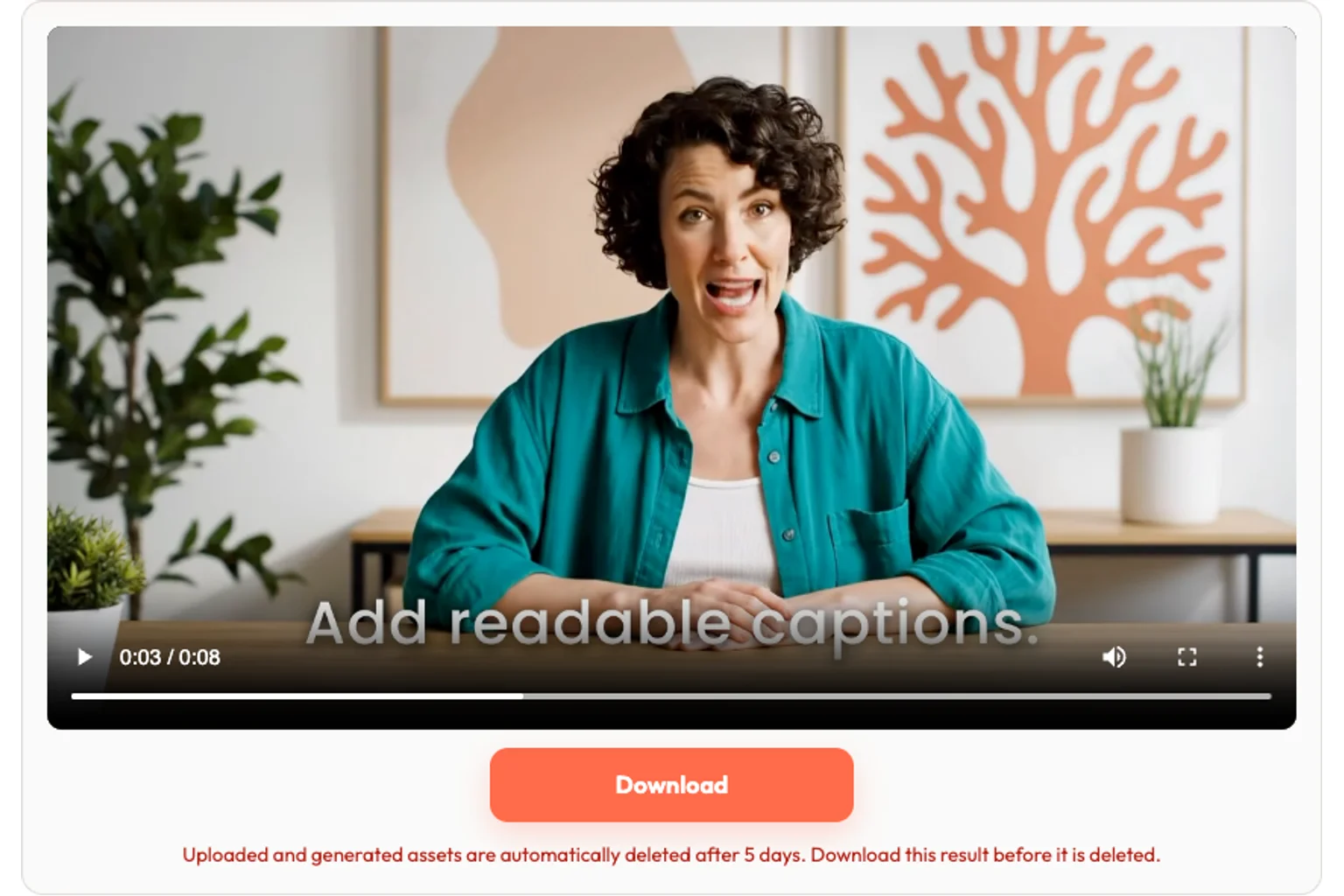
This tool exports an MP4 with captions burned into the picture. It does not provide an SRT download, a subtitle editor, or a switchable closed-caption track. Keep a copy of any SRT file you upload.
Which files and video lengths are supported?
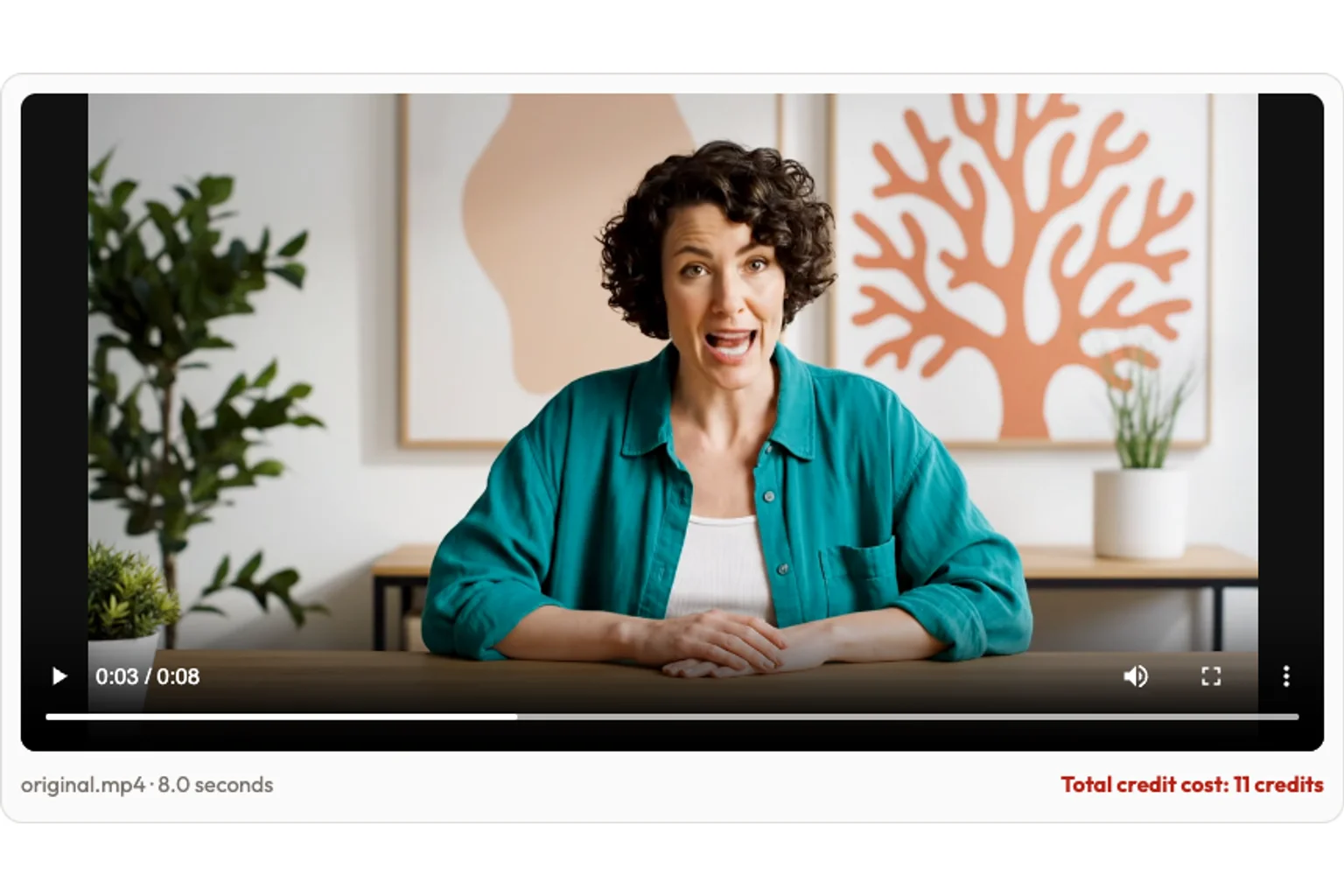
Upload MP4, WebM, or MOV files up to two minutes long. Your browser must be able to read the duration. Longer clips are rejected before uploading; trim them first. Output tiers are 480p, 720p, and 1080p.
How much does the subtitle generator cost?
480p and 720p cost 11 credits per minute with a 60-second minimum; 1080p costs 22 credits per minute. Duration rounds up to whole seconds and the final charge rounds up to whole credits. For example, a 90-second 720p video costs 17 credits, or 33 credits at 1080p. Google sign-in and sufficient credits are required.
Will AI captions always be accurate?
No. Background music, overlapping speakers, accents, and unclear audio can cause mistakes. Review every result, especially names and numbers. For wording that must be exact, upload a checked SRT file and generate from that.
How long are my videos available?
Uploads and generated files are processed online and automatically deleted after five days. Download your finished MP4 before then. Only upload content you have permission to process.File handling and privacy





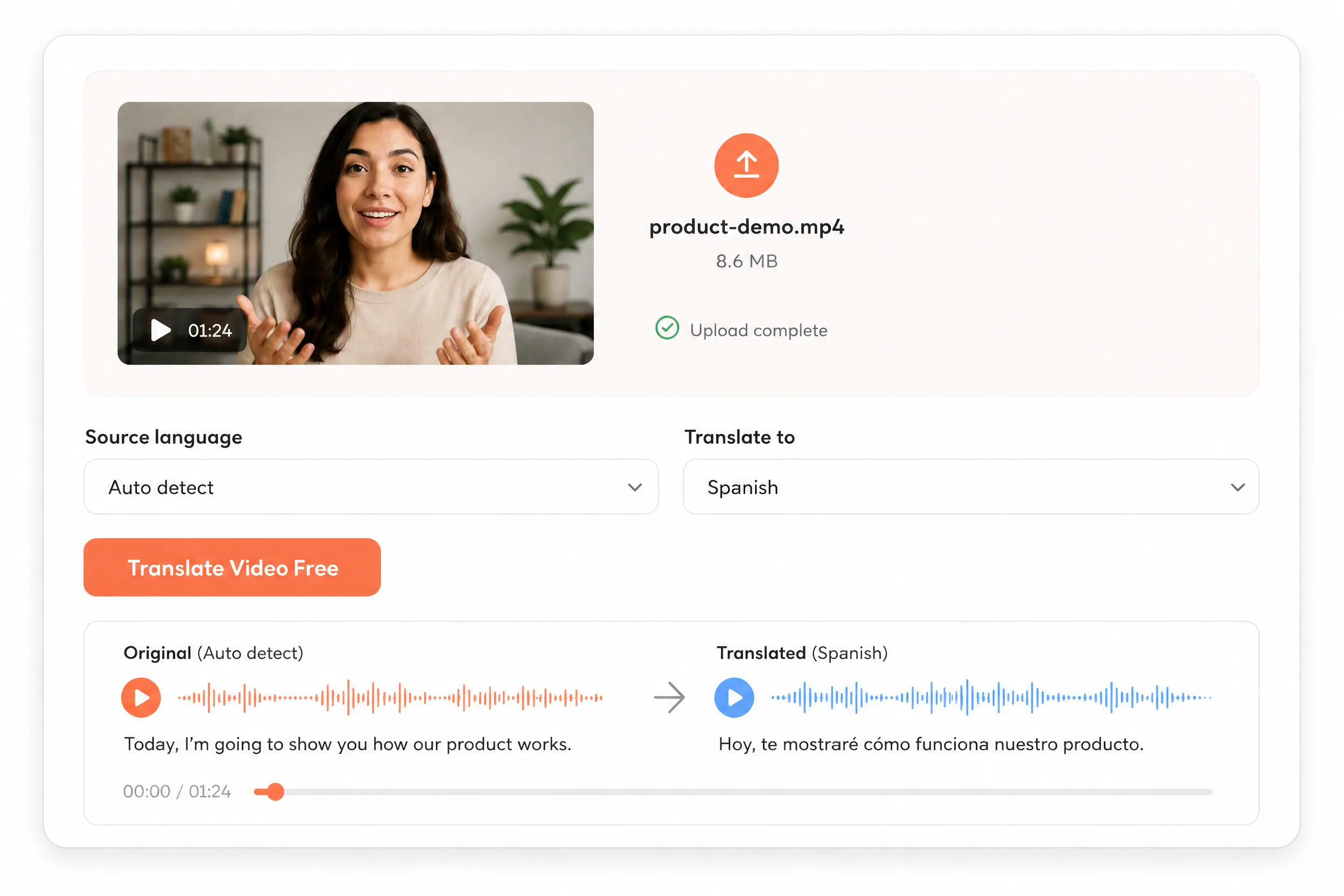 AI Video Translator
 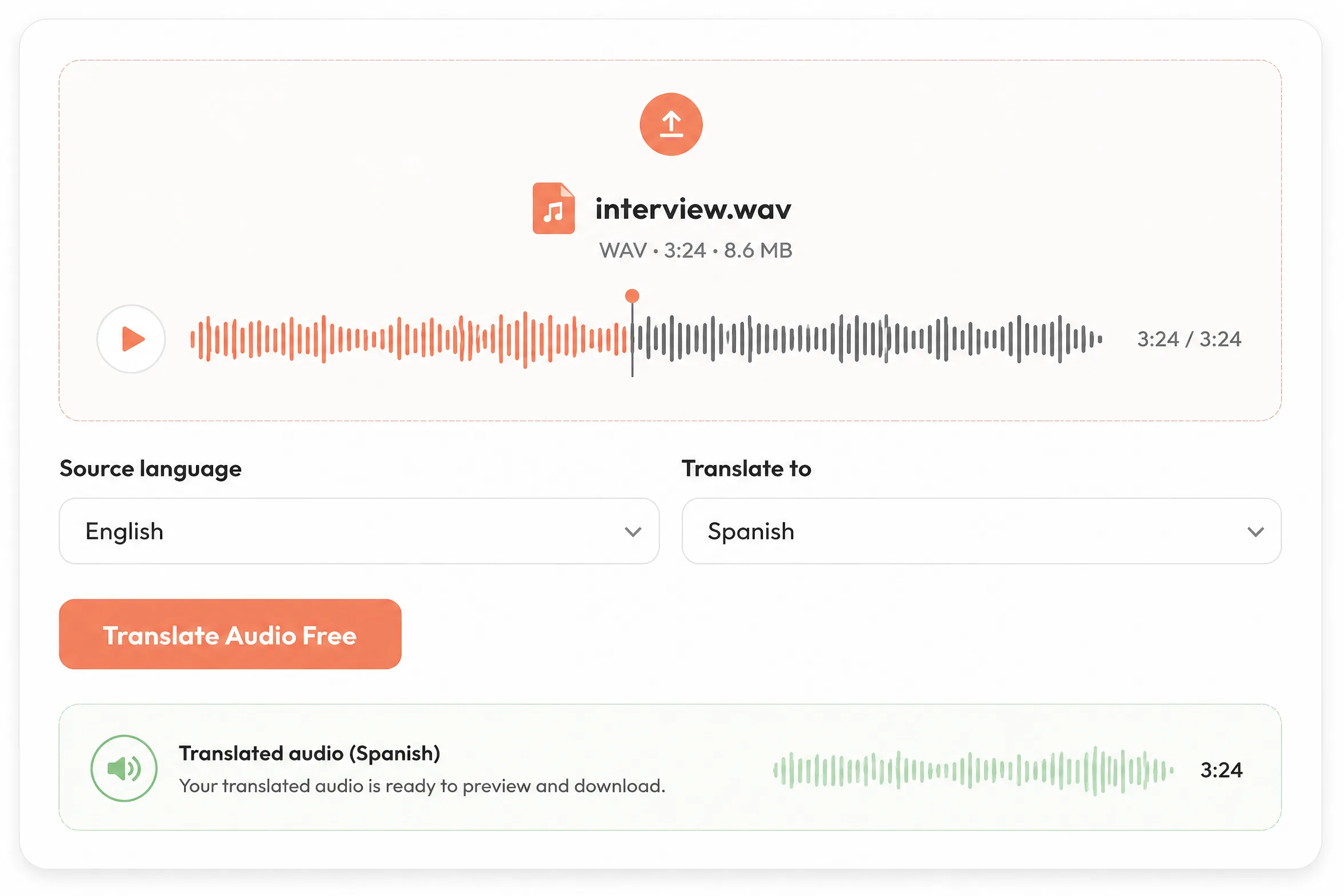 Audio Translator
  Text to Speech